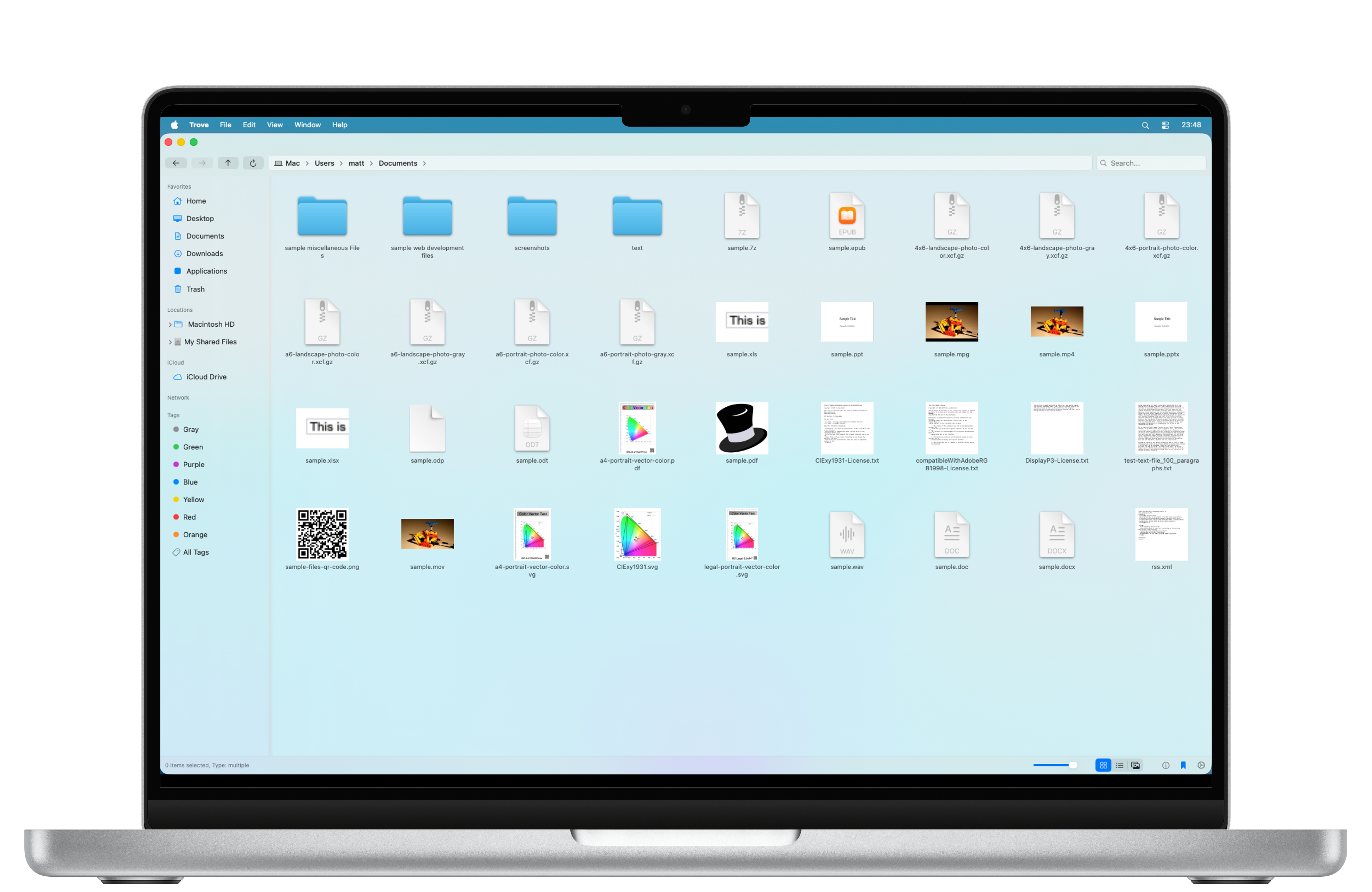
A fast and efficient file manager for
macOS.
The tool you already know how to use.
Built for macOS Sonoma, Sequoia & Tahoe
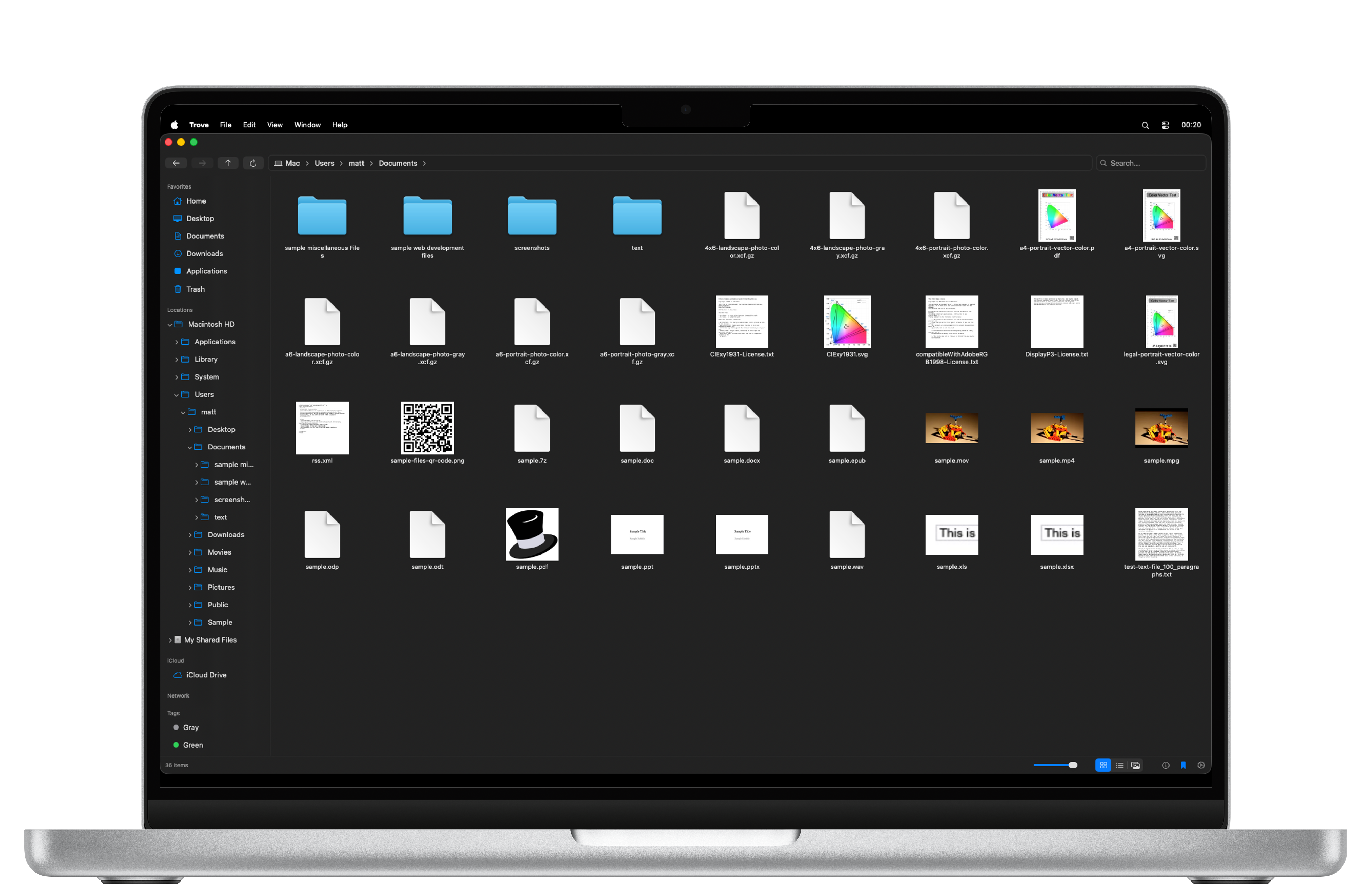
Everything you need for efficient file management on macOS
Finally use Cmd+X and Cmd+V to cut and paste files the way you expect.
Navigate folders deeply with an expandable sidebar that auto-scrolls to your location.
Full support for Cmd+Z and Cmd+Y to undo renames, deletions, and file operations.
View details, tags, and comments in a collapsible sidebar. Press Cmd+Option+I to open.
Choose to Skip, Replace, Merge, or Keep Both during complex file operations.
Frosted glass design with Liquid Glass support on macOS Tahoe, native Dark Mode, and localized in 22+ languages.
Split your workspace into up to four independent panels for efficient file management.
Full-screen preview with a horizontally scrollable filmstrip, keyboard navigation, and draggable split divider.
iCloud Drive, Google Drive, OneDrive, and Dropbox appear automatically under Locations when installed.
Full read/write support for macOS Finder tags with colored dots. Filter by tags in search.
Filter by type, date, size, and tags. Supports glob patterns and regex matching.
Connect to network servers with Bonjour discovery. Mount external drives with disk utilization indicators.
Trove File Explorer was designed from the ground up using SwiftUI to feel right at home on macOS. It's lightweight, incredibly fast, and packed with features that power users love.
Pure SwiftUI
10,000+ Files
22+ Languages
Up to 4 Views
Privacy First: Trove File Explorer does not use any tracking cookies. We value your privacy.